Start with a photo that means something — a portrait, a pet, a place, a family moment. PBN Studio turns it
into a numbered outline, a colour key, and printable files, all yours to adjust before the first brushstroke.
Palette, detail, and number placement stay adjustable.
The method
Four stages, photo to first colour.
Take it one step at a time. See what each choice does, adjust as much as you like, and export when it feels right.
1.0
1.0 · Photo · Choose the memory
Start with what matters
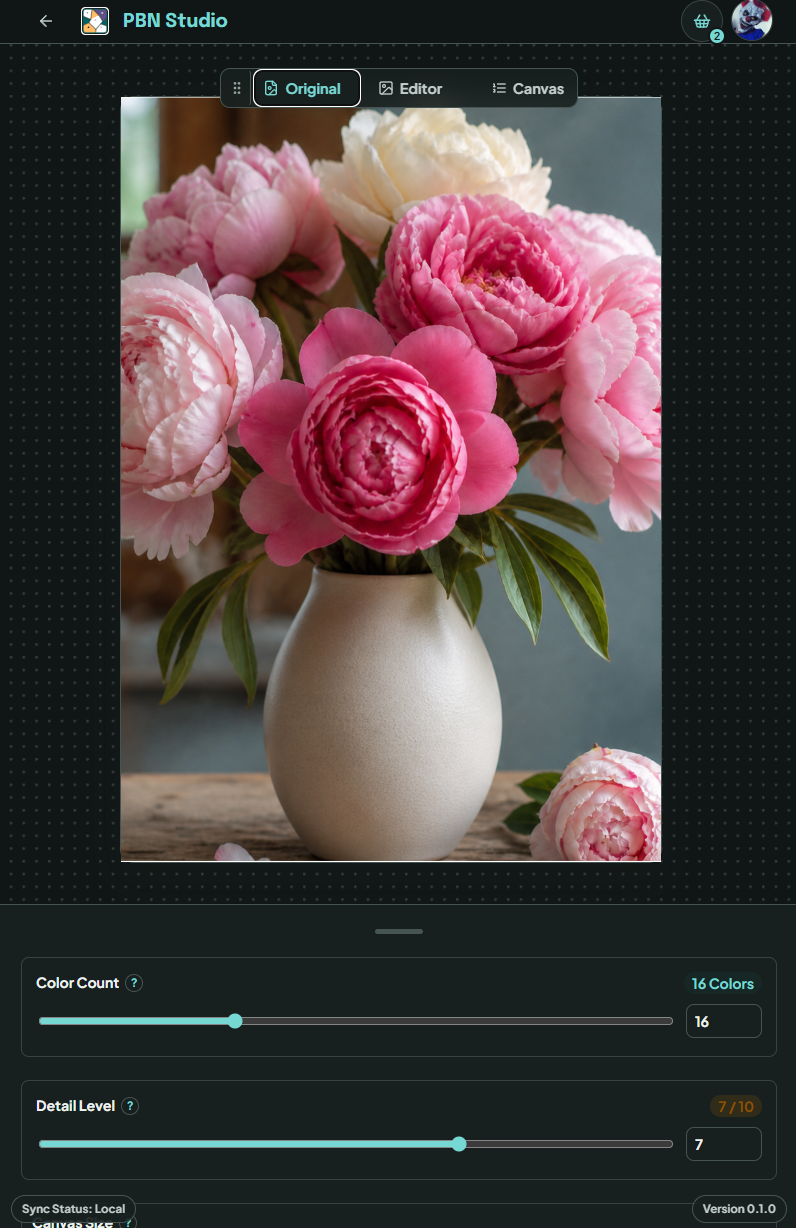
Choose a photo with a clear subject — a portrait, a pet, a wedding, a place that means something to you. Everything is built from your photograph, so the finished painting still looks like the moment you remember.
Portraits · pets
Travel · family
The source image
2.0
2.0 · Palette · Decide what stays
Keep the colours that carry it
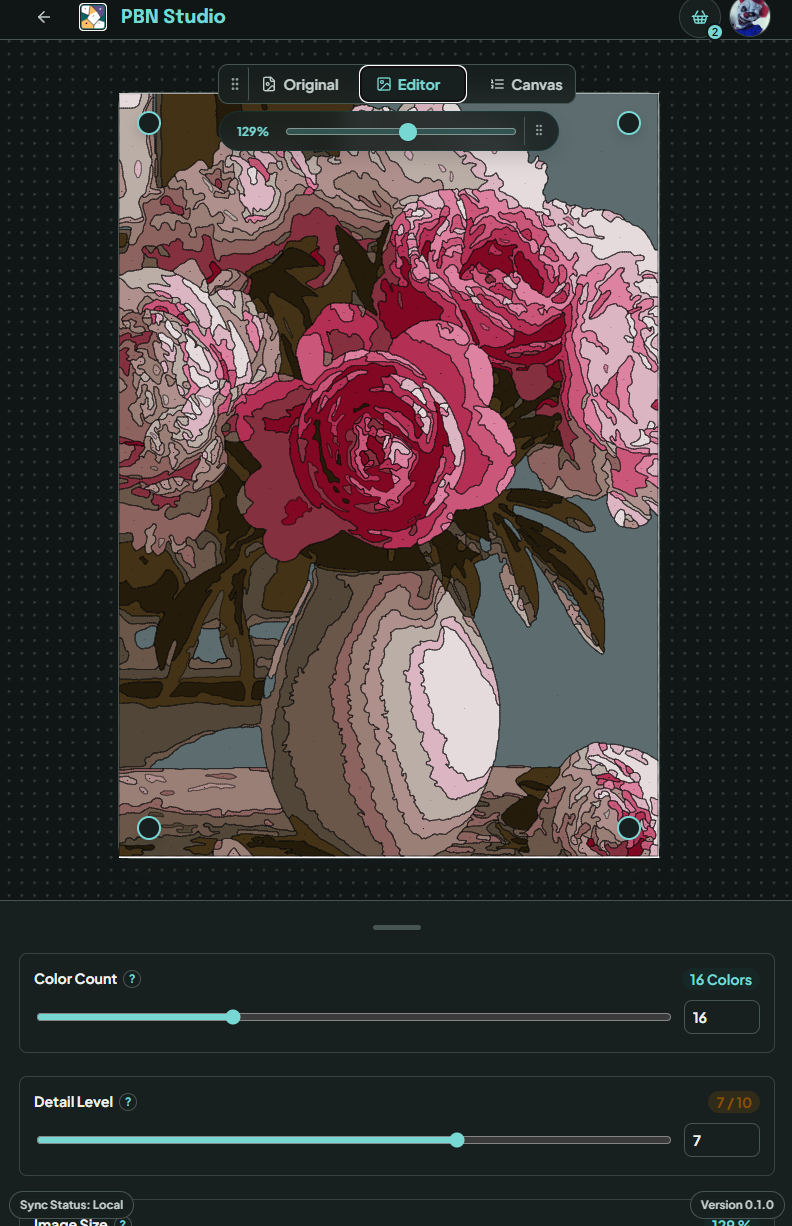
Decide how much detail to keep. Fewer colours give you a calmer, simpler painting; more hold onto the soft shifts in faces, fur, flowers, and sky. Nudge it either way until the photo still feels like itself.
Fidelity · simplicity
Colour count
Palette and detail controls
3.0
3.0 · Pattern · Make it paintable
Turn detail into readable shapes
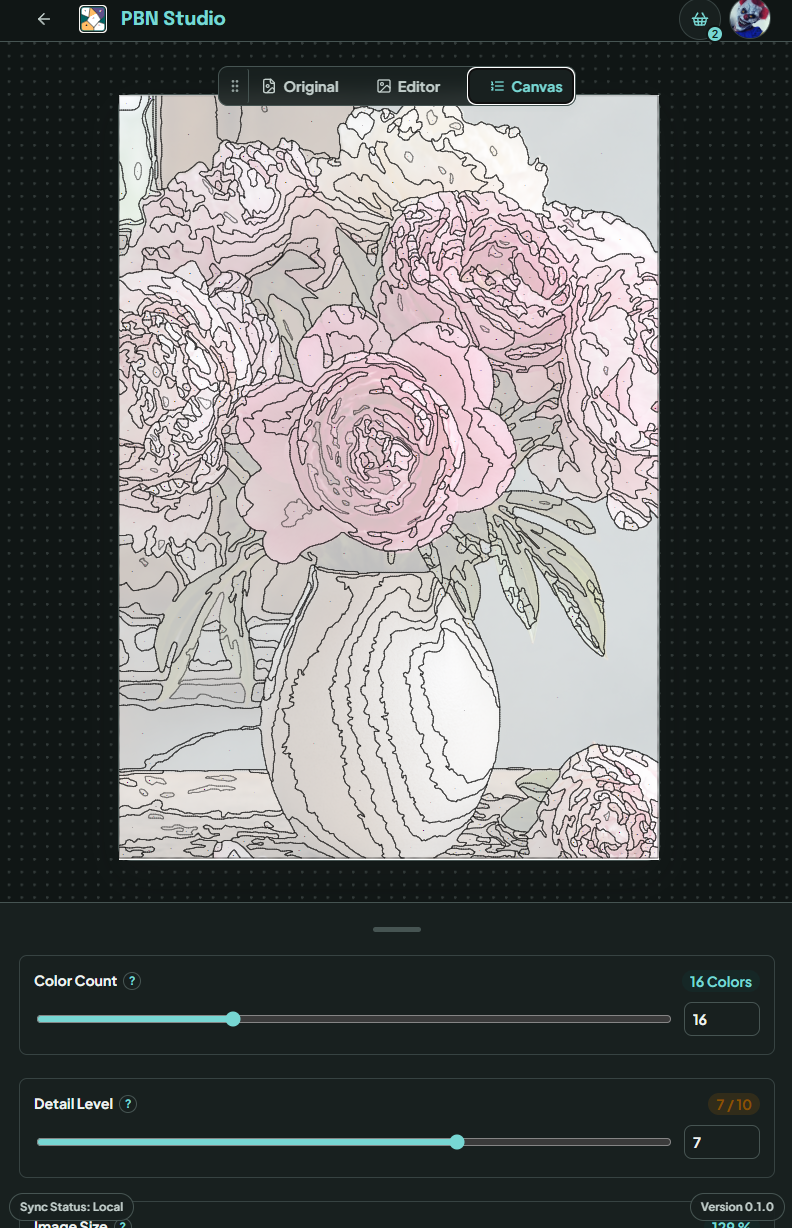
Your photo becomes numbered shapes you can genuinely paint. Tune the pattern until the subject still comes through and every region gives your brush somewhere clear to go.
Clear regions
Visible numbers
The numbered canvas
4.0
4.0 · Paint · Export and begin
Print the guide. Pick one colour.
Export the numbered outline, the colour key, and high-resolution files ready to print. Then set out your paints, start with a single region, and let the painting arrive a little at a time.
Outline · colour key
Print-ready files
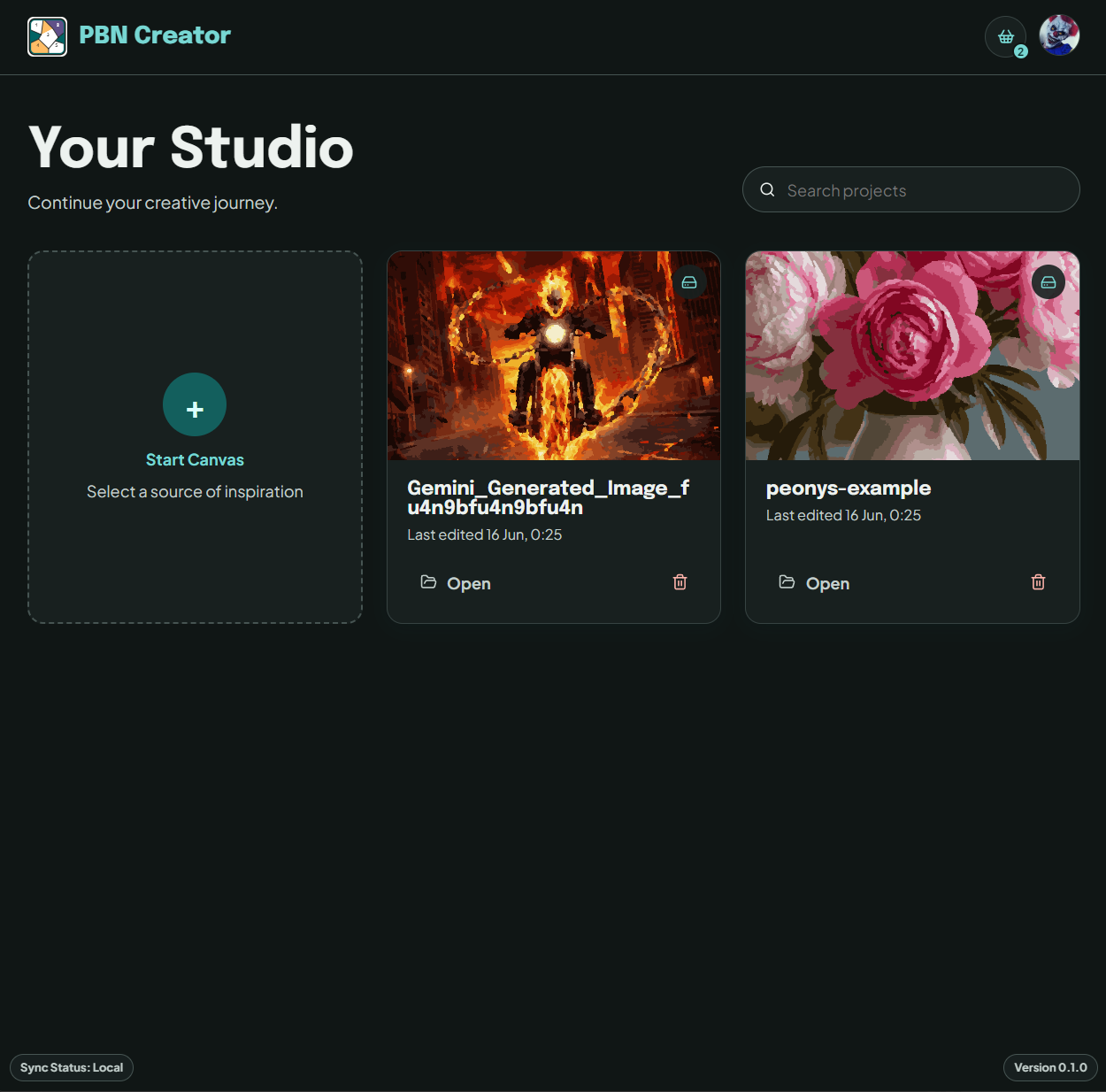
The project workspace
Everything arrives together.
One project gives you the pattern, the key, and the files — everything you need to put the first colour down.
01Numbered outline
Clear shapes and numbers that show your brush exactly where to go.
02Colour key
A simple map from every number to its colour, kept beside you while you paint.
03Printable files
High-resolution exports sized for however you plan to print.
Start with one photo.
Open PBN Studio, pick a photo, and see what the first pattern looks like. If it isn't quite right, adjust it — that's the whole point. No painting experience needed.